Schedule your clients’ TikTok videos
TikTok is video only: upload the file, write the caption and pick the date. Your client approves it before it goes out.

@bean_cacao_exportFrom tree to bar in 30 seconds #cacao
TikTok in Fidflow
Video only
If you try to schedule an image on TikTok, Fidflow warns you before saving.
MP4, MOV or WEBM
Accepted video formats for TikTok, up to 500 MB per file.
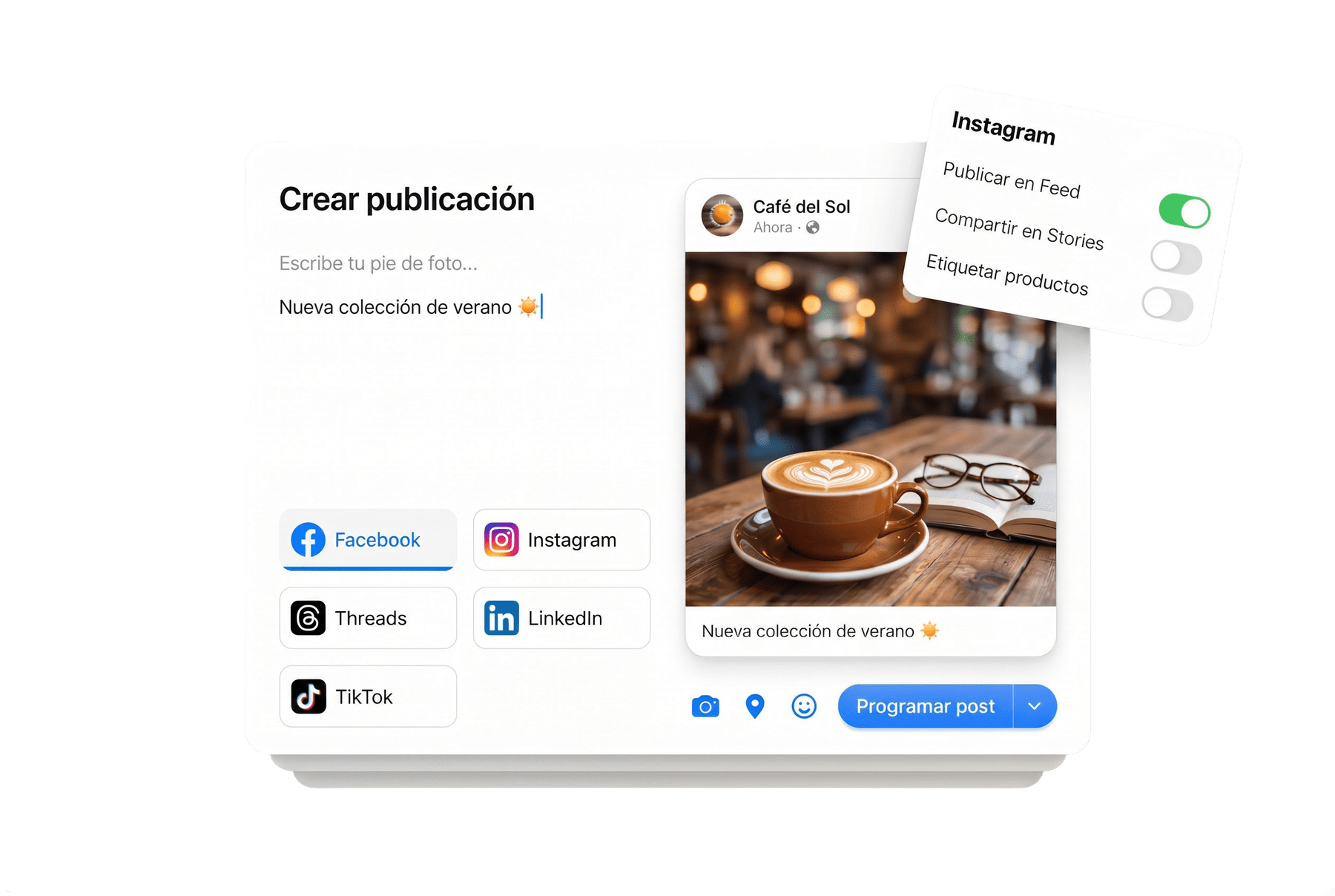
Its own caption
Write the TikTok caption and hashtags without touching the other networks.
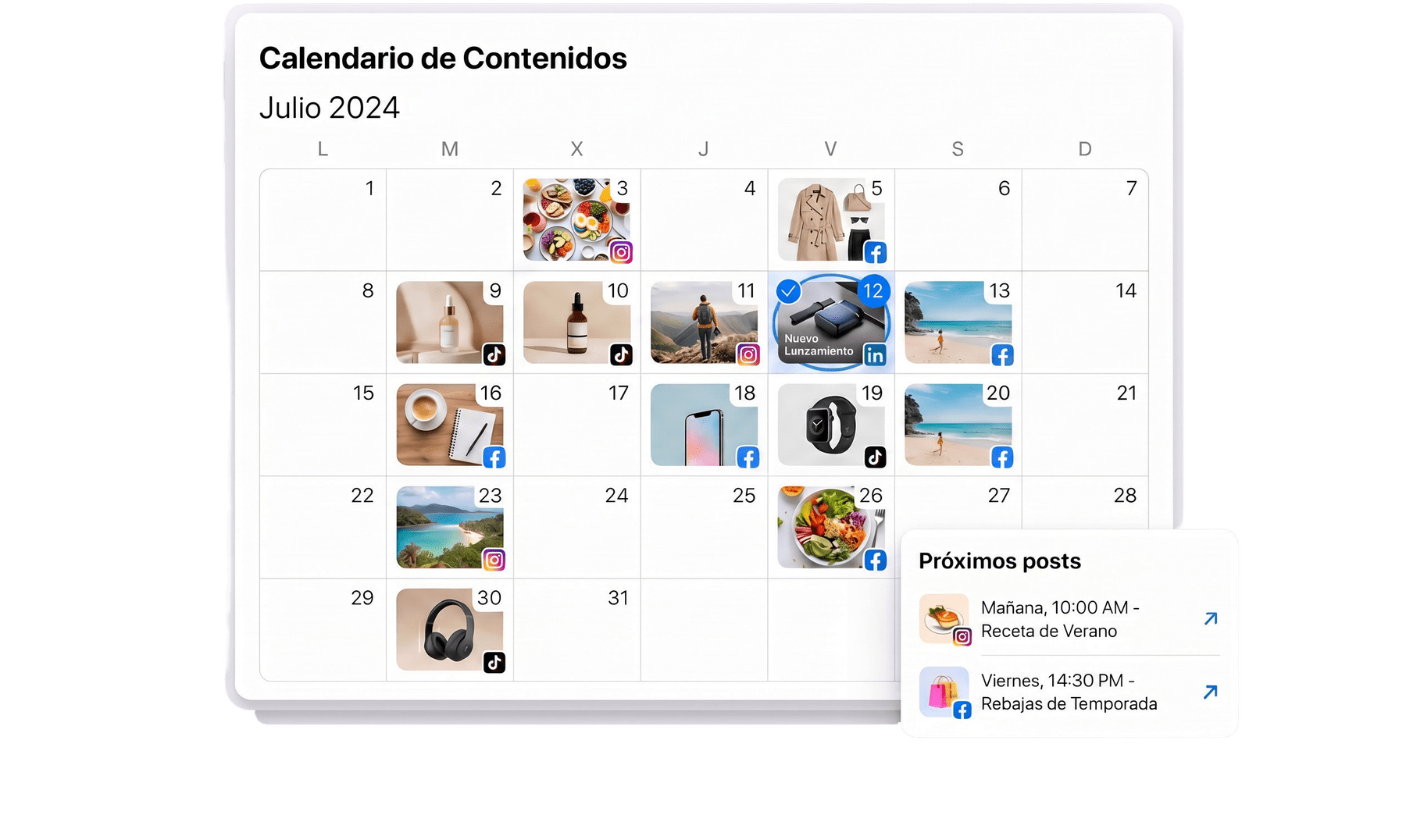
Your videos in the same calendar
Plan TikTok videos next to the same client’s Instagram, Facebook and LinkedIn posts.
Your client approves the TikTok version
The approval portal shows the TikTok version on its own. Your client approves it or requests changes, and it stays in the history.
About TikTok in Fidflow
Can I post photos on TikTok?
No. In Fidflow, TikTok accepts video only. If the post has images, remove TikTok or upload a video for that network.
Which video formats are accepted?
MP4, MOV and WEBM, up to 500 MB.
How do I connect the account?
Through TikTok’s official authorization. Fidflow never stores your password.